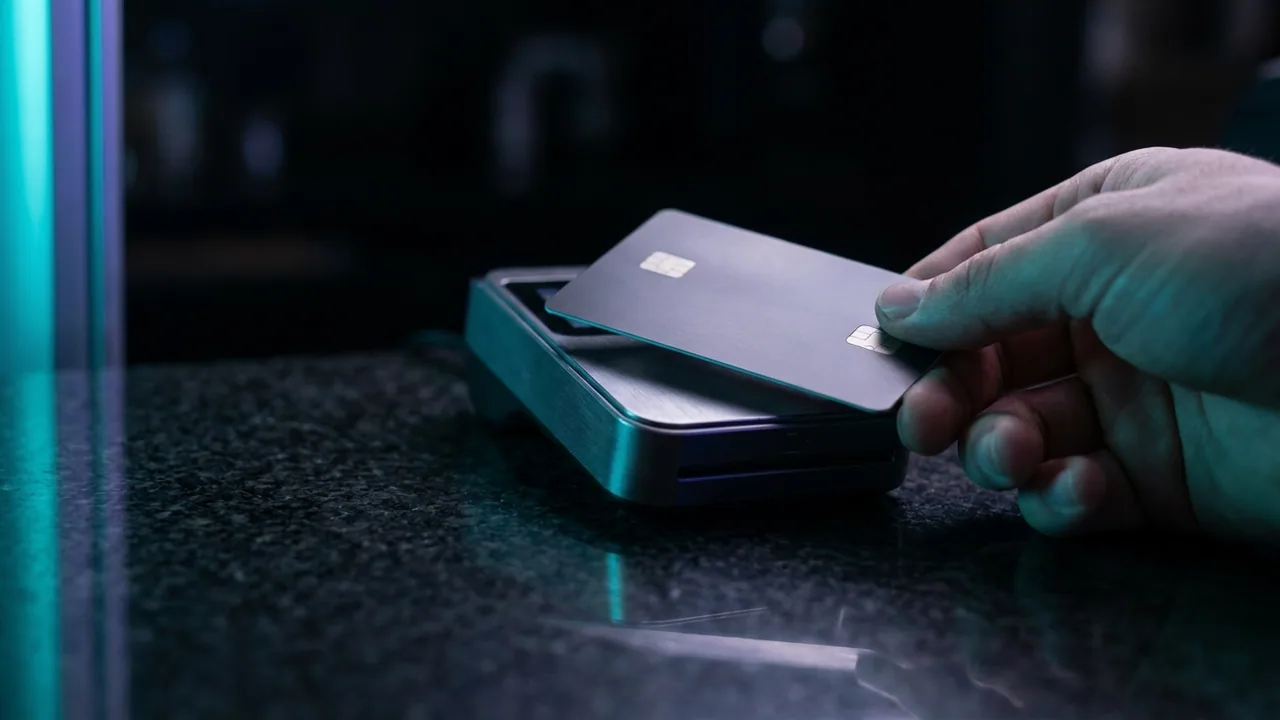
The card is in your hand. The number has not changed since four minutes ago. The amount is the same, the seller is the same, and it worked on the phone. On the laptop it will not go through.
The instinct is to blame the seller, the site, or the card. Usually none of the three is at fault. The decision to approve a payment is made on a bundle of signals, and only a few of them come from the card itself — the rest come from the machine you are sitting at, the network it is on, and what the payment looks like compared to the last one.
Change devices and you change most of that bundle. The card was never the variable.
The decision is not only about the card
Two separate systems can stop a payment, and knowing which one did narrows the problem considerably.
The risk layer on the payment page. Runs before the bank sees anything. It scores the attempt on device, network, behaviour and history, and it can refuse outright or demand an extra check. This is the layer that notices you are on a different machine.
Your card issuer. Decides on the card's own rules: available balance, the merchant category, whether the purchase looks like your usual pattern, whether the address matches. This is the layer that notices a foreign digital purchase at midnight.
Both produce the same user experience — a red message — and neither tells you which one spoke. That is deliberate. A decline message that explained exactly what triggered it would be a map for anyone testing stolen cards.
Nobody is refusing your card. Something is refusing this attempt, and an attempt is a card plus a device plus a network plus a history.
The six device-level signals
These are the ones that change when you move from one device to another, in rough order of how much weight they carry.
| Signal | What changes between devices | How to remove it as a cause |
|---|---|---|
| Verification method | A wallet verifies with a fingerprint or face; a typed card does not | Pay with the wallet if the device has one set up |
| Device familiarity | A machine never used for this card looks new to the risk layer | Use the device you normally pay from |
| Network and apparent location | Mobile data, home broadband and a VPN exit look different | Turn off any VPN, try the other network |
| Stored billing address | Autofill on one device may hold an old address | Type the address that is on the card statement |
| Browser environment | Extensions and blockers can break the verification step | Try a private window, or another browser |
| Attempt history | A previous failure is remembered and counted | Wait fifteen minutes before the next attempt |
Read down the right-hand column and you have most of the troubleshooting. Read down the middle column and you have the explanation: none of these is about the card, and all of them change when you pick up a different device.
The fourth row is the quiet one, and it is covered separately below because it fails in a way that looks exactly like something else. The address and code checks it feeds are described in the security code, the billing address and the step-up check.
Why the second attempt is judged more harshly
This is the part that catches almost everybody, because it inverts normal intuition about trying again.
A failed payment is not forgotten. It becomes part of the picture the next attempt is assessed against. Two failures in five minutes on the same card, at the same merchant, is a recognised pattern — it is what card testing looks like — so the third attempt is scored as riskier than the first, and may be refused for that reason alone.
Which produces a loop that feels like the system malfunctioning. You retry because it failed; it fails partly because you retried.
Two rules break it. Wait — ten to fifteen minutes is usually enough for a short-term velocity check to relax. And change exactly one thing between attempts. Changing the device, the browser and the card at once means a success tells you nothing about what was wrong, and a failure tells you even less.
If a run of attempts has already happened, expect the card to be uncooperative for a while regardless of what you do next. That is a temporary state, not a permanent block, and it resolves on its own. Clearing an issuer-side block is a different job, set out in bank declines on a foreign digital purchase, and how to clear them.
Why the phone often works when the laptop does not
The single most reliable asymmetry: a wallet payment on a phone succeeds where a typed card number in a browser fails. There is a real mechanism behind it.
A wallet payment arrives carrying a device-level verification — a fingerprint, a face check or a passcode confirmed on hardware built for it. That is treated as strong evidence the cardholder is present, because it is. A card number typed into a form carries no equivalent evidence at all; the form has no idea who typed it.
The wallet also presents a device token rather than the card number, so the payment inherits the standing of a device your bank already associates with you. Two advantages stacked on one attempt, neither available in a browser field.
Hence the practical advice: if a payment is failing on a computer and the same card is in a wallet on your phone, try the phone before you try anything else. It is the single change most likely to work, and the comparison in general is in paying on mobile versus desktop — where wallet payments actually help.
The reverse case exists too, and is rarer: a wallet configured with an old address, or a card added to the wallet but not properly verified with the bank, can fail where the browser succeeds. If both fail, the problem is upstream of the device entirely.
Autofill, addresses and the mismatch nobody sees
A whole category of decline comes from a detail you did not type and did not look at.
Browsers store billing addresses and fill them automatically. That entry may be from three years and one house move ago. The address check compares what the form submitted against what your bank holds, and a mismatch can decline the payment or trigger an extra step — with a message that says nothing about addresses.
Because autofill differs per device, this is a textbook cause of works-here-fails-there. The laptop holds the old address; the phone was set up later and holds the current one. Same card, different form contents, different outcome.
The fix is to look at what was filled in before submitting, and to type the address exactly as it appears on the card statement rather than as you would write it on an envelope. Abbreviations and formatting rarely matter; the wrong postcode or a superseded street always does.
While you are in there, it is worth knowing what a payment page keeps of all this and for how long — the subject of what a payment page is allowed to remember about you.
The order to try things in
Change one thing at a time, cheapest first. Most failures resolve in the first three steps.
One. Stop. Do not retry immediately. Wait fifteen minutes — the single highest-value action on this list and the one nobody wants to take.
Two. Check what the form actually contains. Name, billing address, expiry, and whether autofill has quietly supplied something old.
Three. Turn off any VPN and try once on your normal connection. If you were on home broadband, try mobile data, or the other way round.
Four. Try the wallet on your phone if the card is in one. This is the step that most often ends the problem.
Five. Try a private browsing window or a different browser, which rules out extensions and stored state in one move.
Six. Ask your bank. Not "why was it declined" but specifically: was an authorisation attempted on my card in the last hour, and was it refused at your end? That question gets a useful answer where the general one does not.
Seven. Ask the seller for a different route. A legitimate business will offer one and explain what it changes. What should worry you is pressure toward something with no way back, which is the tell in why a seller who only accepts irreversible payment is telling you something.
A decline does not always mean nothing moved
One thing to check before assuming a failed payment is a non-event.
A card can be authorised — the amount reserved against your balance — and then never captured, because a later step in the process failed. The result is a charge visible in your banking app for a payment that never completed. It is not money taken, but it does reduce your available balance until it expires.
That expiry commonly takes a few days and occasionally longer. It clears on its own, and disputing it usually just adds paperwork to something already unwinding. The full mechanism is in a payment that is authorised but never settles.
The important consequence is what not to do. Do not pay again by a second route while a pending authorisation from the first is sitting there — that is exactly how one order becomes two payments, and unpicking it is the subject of the cost of paying twice: duplicate orders and how they get resolved.
What to do if it happens with us
Tell us, before trying anything clever. Most of what looks like a broken payment is one of the six signals above, and we can usually tell from our side whether an attempt reached us at all.
Send the time you tried, the method, and the exact wording of the message you saw. If nothing reached us, the block is between you and your bank and the list above is the route. If something did reach us and failed later, that is ours to sort out and you should not be experimenting with second payments in the meantime.
We will offer another route rather than push one. Card, Apple Pay, Google Pay, PayPal and cryptocurrency are all available, and they behave differently under exactly the conditions described here — the payment methods page lays out what each one gives you. The price does not change with the route: $69, $97 or $137 a year for one, two or three simultaneous screens, on the pricing page.
Message WhatsApp, Telegram or support@pay-iptv.com with those three details and it is usually a two-message conversation. What to send support so a payment problem is solved in one message has the template.